Scripture first, and a Bible reader that reads well
We moved the verse to the top of each day's reading, made verse numbers clear, and let your garden follow your clock from dawn to night.
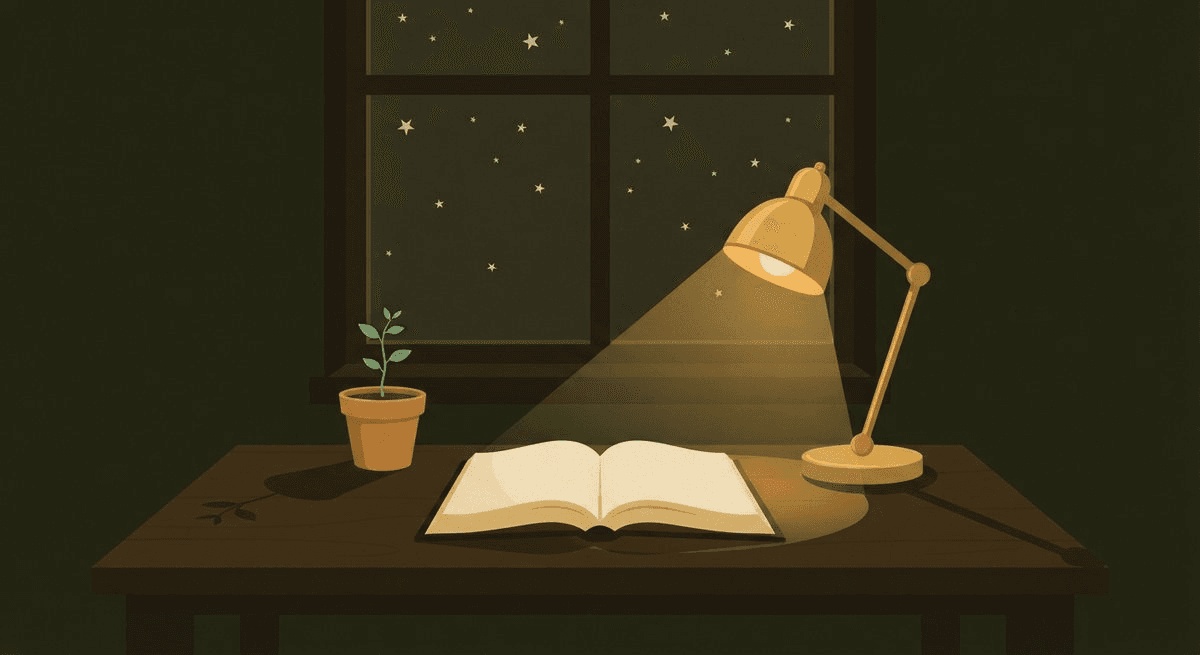
Why the verse should come first
You have a few minutes. You open the day's reading, and the first thing you see is a paragraph about the passage. By the time you reach the verse, you have already been told what to think of it. We did not want that. Scripture is the point of the Read step, so Scripture should be the first thing you read.
This week we changed the daily Read step so the passage comes first. Here is how it works now, step by step.
How the Read step works now
- You open the day. At the top is the passage's reference, for example Psalm 94:19, with the Listen row just under it if you would rather hear it.
- Right under that is the passage itself. Nothing sits between you and the words.
- When the day's passage is short, up to three verses, it is set at the app's large Scripture size. It reads as the heart of the page, not one more paragraph. A longer passage keeps the normal reading size, so a long day never runs pages long.
- The day's few words follow the verse, a step smaller and a little quieter. They are there to help you sit with what you just read, not to stand in front of it.
- On Peace & Anxiety days, a quiet card holds the note on where to find help if you need it. In the US and Canada, Call and Text are clear buttons that are easy to tap.
We also reread the plan introductions that now come after the verse. Three of them told you how to read a passage you had just read, so we reworded them. "Read it slowly" became "Read it once more, slowly." A small change, but it means the words fit the moment you meet them.
Plan names that fit
Some plans have two-part names, like Peace & Anxiety: From Fear to Rest. On a phone, a name that long crowds the line. Now, where space is tight, the plan shows its short title, "From Fear to Rest". In Plans and in the plan preview, "Peace & Anxiety" still shows as a small line.
You see it on Today, on your current plan in Plans, at the top of each day's session, and in the plan preview when you start. If you use VoiceOver, you still hear the full name every time.
Numbers that agree
When an app tells you two different things, you stop trusting both. So we made each number come from one place.
- A day's minutes are the same everywhere. If Today says a day takes 10 minutes, Plans says 10 min for that day too.
- Your days in a row read the same on Today, in the Garden and on your profile.
- Today's stats now fit on one line: your days in a row and your week. The week shows "2 of 3 this week" until you reach your three study days, then "Week's goal met". It never says the same count twice.
A Bible reader that reads well
Much of your time in ScriptureVerse is reading. We went through the Bible reader with fresh eyes.
- One chapter title. The page's own heading is the title while you can see it, and a tap on it lets you choose a chapter. As you scroll and it slips out of view, the title fades into the bar at the top, so you always know where you are without seeing it twice.
- Verse numbers you can read. They are bolder now and grow with your text size, so you can find verse 4 at a glance.
- Highlights. A highlight is one rounded, tinted shape around the verse, with a thin bar of its colour at the left edge.
- Turns that say where they go. At the end of a chapter, the turns read "Psalm 22" and "Psalm 24", and a short chapter's end sits clear of the tabs at the bottom.
Your garden, by your clock
In ScriptureVerse, each plan plants a seed, and every day you finish waters your garden. It grows when you show up, and quietly misses you when you don't.
The garden follows the clock on your phone: dawn from 5 to 8 in the morning, day until 5 in the afternoon, dusk until 9, and night after that. Open it before work and it is morning there too. Open it late and the garden is dark with you.
We also gave it a soft shade at its edges, so it settles into the app instead of looking pasted on. The art itself is exactly as it was.
Our website now shows the same cartoon garden from the app, at night and by day, so what you see there is what you will see on your phone.
Small things you feel more than see
- Words have a little more room. We widened the space between words in the app's own font, so lines are easier on the eye at any text size.
- Apostrophes are curly, the way a printed book sets them.
- No lonely last words. A title never leaves one word alone on its last line.
- Verse ranges look right. In Extras, a passage link like Genesis 1:1 to 5 now uses the proper dash between the verses.
- Shared verses credit the painting well. In the share studio, the painting's credit now sits inside the frame and names the painter and the year.
Why it matters
None of this is loud. Each change takes something small out of the way between you and a few minutes with God. The verse first. Numbers that agree. A page that is easy to read at the end of a long day, and a garden that keeps your hours.
The gap closes a few minutes at a time.
Thy word is a lamp unto my feet, and a light unto my path.
Psalm 119:105 (KJV)
Opens on iPhone February 10, 2027. Get on the waitlist today and we will tell you the day it opens.